

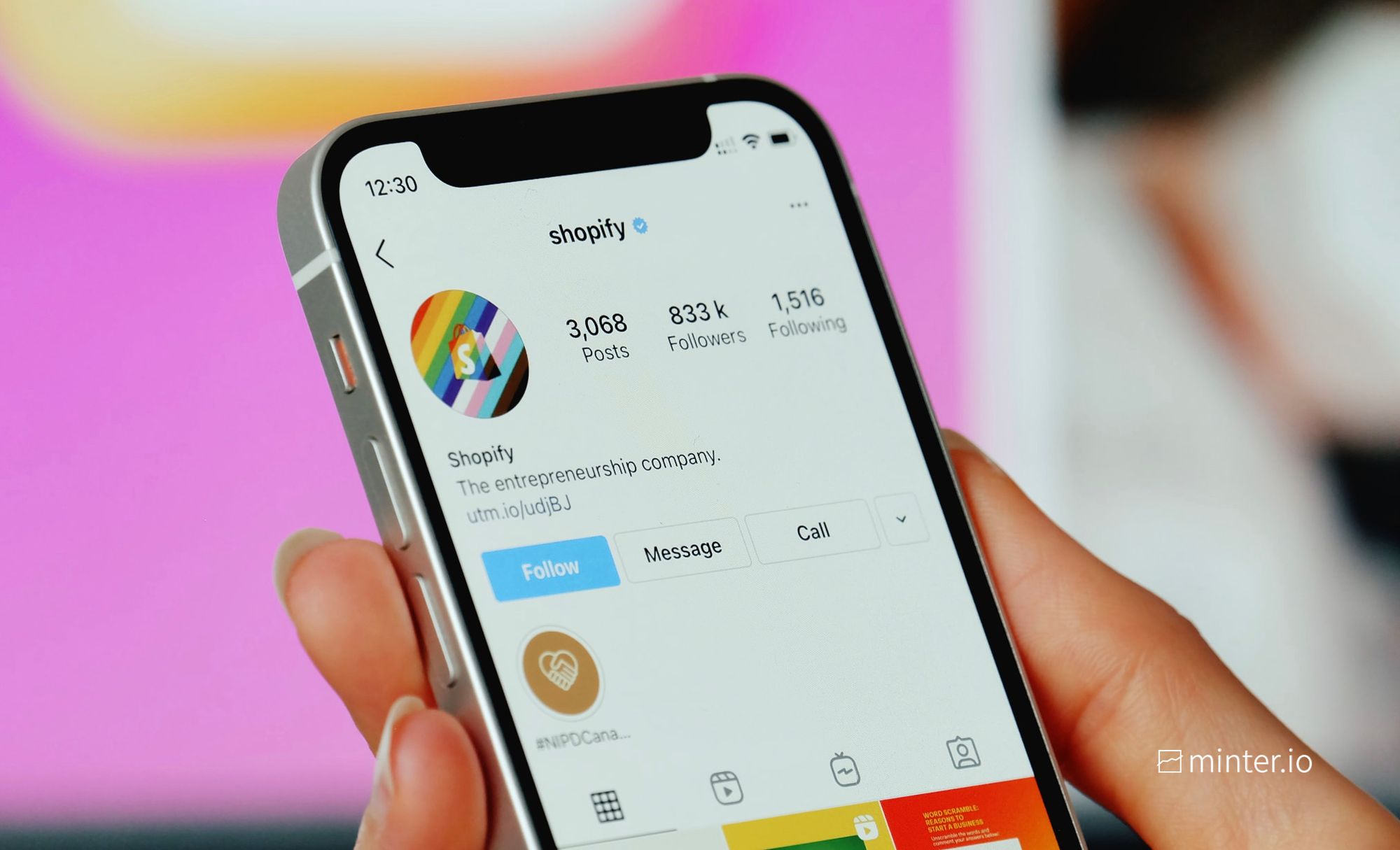
Instagram has become one of the most popular platforms for staying connected, building professional networks, and discovering new people. In many situations, users may want to locate someone’s profile using the contact details they already have, which leads to a common question: how to find an Instagram account by phone number.
While Instagram does offer certain features that connect contacts to profiles, the process is not always straightforward due to privacy settings and platform limitations. Understanding how this works requires basic awareness of how social media platforms handle data and user discovery.
In this blog, we’ll walk through a clear, step-by-step guide to help you understand the possible ways to find an Instagram account using a phone number, while also keeping privacy and ethical usage in mind.
Is It Possible to Find an Instagram Account by Phone Number?
Yes, it is sometimes possible to find an Instagram account by phone number, but it depends on several factors. Instagram allows users to link their phone numbers to their accounts for login, security, and discovery purposes. When a phone number is linked and contact syncing is enabled, Instagram may use it to suggest accounts to people who have that number saved in their contacts.
However, this method does not guarantee results. If the user has not linked their phone number to their Instagram account, or if they have disabled contact discovery and privacy-related settings, their account will not appear through this approach. Instagram prioritizes user privacy, which limits how openly accounts can be found using personal information.
Things to Know Before You Start
Before trying to find an Instagram account by phone number, it’s important to understand a few key points. This helps you avoid confusion, respect privacy, and use the platform responsibly.
Privacy comes first: Instagram is designed to protect user privacy. Even if you have someone’s phone number, their account may not be discoverable due to privacy and security settings.
Consent and ethical use matter: You should only attempt to find an account if you have a valid and ethical reason. Avoid using this method for stalking, harassment, or misuse of personal information.
No direct phone number search option: Instagram does not allow users to directly search for profiles by entering a phone number. Any results depend on indirect features like contact syncing and suggestions.
Results are not guaranteed: This method may work in some cases and fail in others. Factors like unlinked phone numbers, private accounts, or disabled contact syncing can prevent discovery.
Avoid third-party tools and websites: Many external tools claim to help you find Instagram accounts using phone numbers. These are often unsafe and can risk your personal data or account security.
Understanding these points helps set realistic expectations and use digital platforms responsibly. Digital literacy includes understanding social media systems, which Seekho emphasizes when teaching online tools and technology.
Step-by-Step Guide to Find Instagram Account by Phone Number
Finding an Instagram account using a phone number is possible only through Instagram’s built-in discovery features and only when the other user has allowed it.
Below is a clear, privacy-respecting step-by-step guide based on how Instagram actually works.
Step 1: Save the Phone Number Correctly
Before opening Instagram, save the person’s phone number in your contacts.
Always include the country code (for example, +1, +44, +91).
Save the number only once to avoid sync issues.
Use a clear contact name so you can recognize it later in suggestions.
This helps Instagram correctly identify the number during contact syncing.
Step 2: Open Instagram and Access Contact Discovery
Open the Instagram app and go to your Profile.
Tap the menu icon (☰) in the top-right corner.
From there, navigate to the section related to discovering people or inviting friends (menu names may vary slightly by app version). This is where Instagram manages contact-based suggestions.
Step 3: Enable Contact Syncing
When prompted, allow Instagram to access your contacts.
Instagram does not upload readable contact details. It uses encrypted (hashed) data to match phone numbers securely.
If a phone number in your contacts is linked to an Instagram account and contact discovery is enabled on that account, Instagram may suggest it to you.
You can turn contact syncing off again later if you prefer.
Step 4: Check Suggested Accounts Carefully
Instagram does not always show results instantly. It may take a few minutes for suggestions to update.
Scroll through Suggested for You and Discover People sections.
Instagram mixes contact matches with algorithm-based suggestions like mutual connections, so review profiles carefully before assuming a match.
If the account does not appear, it usually means:
The user did not link their phone number.
Contact discovery is disabled.
They signed up using email instead.
Step 5: Use Meta Account Linking
Since Instagram and Facebook are both owned by Meta, linking your Facebook account can sometimes improve suggestions.
Go to Settings → Accounts Center and connect Facebook if it’s not already linked.
After linking, refresh account suggestions.
This method is optional and does not guarantee results.
Learn how these features work to develop basic digital awareness, which Seekho emphasizes when teaching responsible social media and digital tool use.
How Learning Digital Platform Basics Helps?
Understanding how digital platforms work can save you time, reduce confusion, and help you use apps like Instagram more effectively. Many people assume features like “find instagram account by phone number” will work in every case, but the reality depends on privacy settings, account choices, and how the platform is designed. When you know these basics, you set realistic expectations and avoid wasting effort on methods that cannot work.
Digital platform knowledge also helps you stay safe online. It teaches you what is legitimate inside an app and what is risky outside it. For example, people who understand how Instagram discovery works are less likely to trust third-party “finder” tools that often collect personal data or lead to scams.
Conclusion
Finding an Instagram account using a phone number is possible in certain cases, but it depends largely on privacy settings and how the other user has configured their account. Instagram does not offer a direct phone-number search, so any discovery happens through built-in features like contact syncing and account suggestions. Understanding these limitations helps users avoid frustration and use the platform responsibly.
More importantly, knowing how digital platforms work builds better online awareness and safety. It helps users respect privacy, avoid unreliable third-party tools, and make informed decisions while using social media. Developing this kind of practical digital understanding is essential today, and platforms like Seekho play an important role in helping users learn how to navigate digital tools confidently and responsibly.