

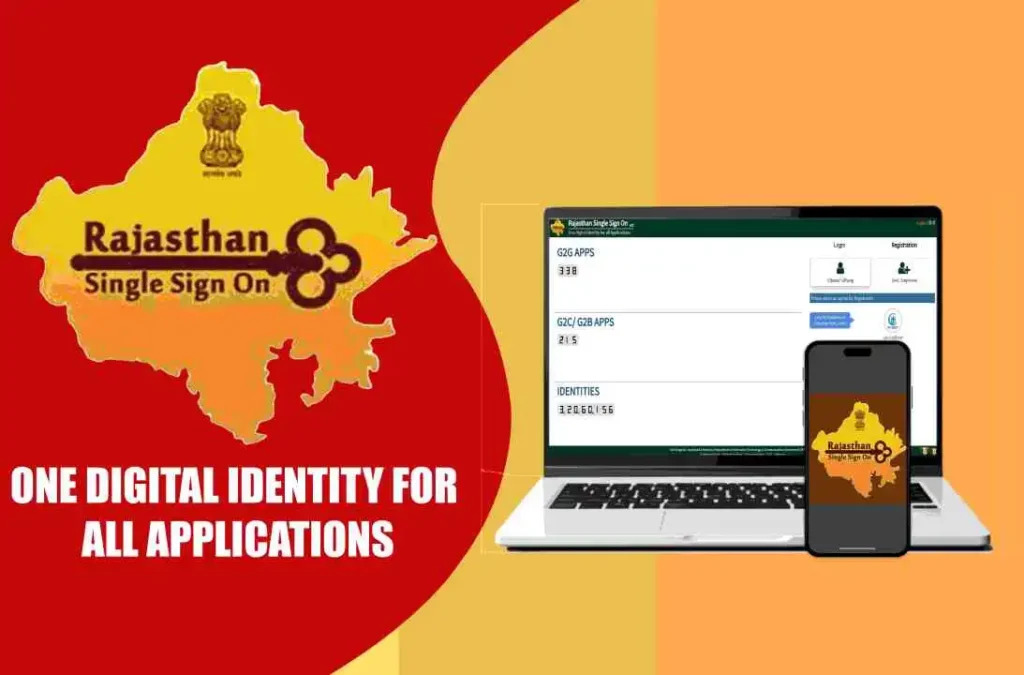
The Rajasthan SSO portal provides citizens with a single digital identity to access multiple government services efficiently. Completing SSO ID registration online allows users to apply for certificates, welfare schemes, and employment modules without repeated registrations. Accurate registration prevents login errors and ensures seamless access to linked services. Proper registration steps save time and provide long-term convenience for users.
Online registration reduces dependency on physical offices and minimizes errors caused by repeated form submissions. Citizens can track applications, receive notifications, and download documents from a centralized dashboard. A valid SSO ID enhances transparency and reliability for government interactions. Proper use of the portal improves digital governance and service delivery.
With a registered SSO ID, users can streamline interactions with government departments, access updates, and monitor applications efficiently. Real-time notifications alert users to pending requirements or approvals. Correct registration ensures uninterrupted access to multiple online services. Maintaining accurate information improves overall digital service experience.
Understanding SSO ID
Definition and Purpose
An SSO ID is a unique identifier assigned to each citizen on the Rajasthan portal. It provides access to numerous government services using a single account. Users avoid repeated registrations across departments. Centralized authentication ensures consistent and accurate personal data across services. Having an SSO ID improves efficiency, convenience, and reliability for citizens.
Benefits of an SSO ID
The SSO ID simplifies application processes for welfare schemes, certificates, and employment modules. Users can monitor approvals, track pending documents, and receive notifications centrally. Centralized access prevents duplicate applications and reduces errors. Notifications alert users through SSO about pending documents, approvals, or additional requirements. Secure login ensures reliable access and enhances transparency.
Services Linked to SSO ID
An SSO ID links citizens to over 100 government services including welfare, certificates, and employment modules. Profile details automatically populate across services, minimizing data entry errors. Faster processing and reduced paperwork are immediate advantages. Centralized dashboards provide a complete overview of user activities. Digital access improves administrative efficiency for both citizens and government departments.
Steps to Complete Online Registration
Accessing the Registration Page
Citizens must visit the official Rajasthan SSO portal to start registration. The homepage displays a “New User Registration” section clearly. Clicking the link opens the registration form with detailed instructions. Following the guidelines ensures accurate input of personal and official details. Proper navigation avoids common registration errors.
Entering Personal Information
Users must enter full name, date of birth, mobile number, and email correctly. Aadhaar or Bhamashah ID is required for verification purposes. Accurate input ensures smooth authentication and prevents login issues later. Correct details reduce processing delays and improve efficiency. Maintaining accurate personal information is essential for successful registration.
Creating Secure Credentials
Users must choose a strong password and set security questions for account safety. Passwords should follow portal rules for complexity and length. Proper credential creation ensures uninterrupted access to linked services. Strong login credentials protect the account from unauthorized access. Keeping credentials secure prevents long-term login complications.
Provide accurate personal and identification details
Choose a strong password following portal guidelines
Verify mobile number and email before submission
Verifying the Account
After submission, an OTP is sent to the registered mobile number or email for verification. Entering the OTP confirms user identity and activates the SSO ID. Verification ensures access to all linked government services. Successful activation allows logging in and dashboard usage. Notifications guide the user through any additional steps required.
Troubleshooting Registration Issues
Incorrect Personal Details
Mismatched Aadhaar number, email, or phone can block SSO ID Login registration attempts. Users should double-check all fields before submission. Correcting errors ensures smooth creation of SSO ID. Following portal instructions prevents repeated failures. Accurate details maintain seamless access to all online services.
OTP Delivery Problems
Sometimes OTP may not arrive due to network or system issues. Citizens can request a new OTP or verify their registered mobile number. Timely verification is critical for account activation. Secure verification ensures identity protection. Portal support can assist if the problem persists.
Browser or Device Compatibility
Using an outdated browser or unsupported device may hinder registration. Updated browsers and devices prevent technical glitches. Proper configuration ensures smooth form submission. Following portal guidelines improves compatibility. Technical compliance guarantees uninterrupted access.
Double-check all personal and identification details
Ensure mobile number is active for OTP delivery
Use an updated browser and device for registration
Seeking Help from Support
Persistent issues should be reported to the SSO portal helpdesk. Support staff guide users through troubleshooting and verification. Documenting errors helps resolve problems faster. Timely assistance ensures successful SSO ID registration. Following support instructions prevents further delays.
Best Practices After Registration
Maintain Updated Profile
Keep personal details such as mobile number, email, or identification information current. Accurate profiles ensure smooth login and service access. Verified information prevents errors in linked applications. Centralized updates maintain consistency across all modules. Proper maintenance enhances usability and reliability.
Secure Account Credentials
Never share SSO ID or password with anyone. Update passwords periodically following portal guidelines. Security questions provide an additional layer of protection. Proper credential management prevents unauthorized access. Maintaining account security ensures uninterrupted portal usage.
Track Applications and Notifications
Registered users can monitor submitted applications and approvals easily. Notifications alert users through SSO about pending documents or additional requirements. Dashboard access provides an overview of all activities. Tracking ensures timely responses and reduces dependency on physical offices.
Keep profile information accurate and updated
Protect login credentials from unauthorized use
Monitor application progress regularly
Explore Available Services
Familiarize yourself with the linked services available through SSO ID. Pension, welfare, employment, and certificate modules can be accessed from a single account. Efficient usage reduces processing time and paperwork. Understanding services enhances digital governance experience. Regular updates improve overall portal functionality.
Conclusion
Completing SSO ID registration online provides secure, centralized access to Rajasthan government services. Accurate submission, correct credentials, and OTP verification prevent login issues. Following best practices ensures seamless tracking, notifications, and application management. Maintaining updated information improves efficiency, transparency, and overall reliability for all users accessing digital government services.